

Here are some examples of basic Markdown syntax.
# This is a level-one heading
## This is a level-two heading
### This is a level-three heading
This is body text.
Skip a line to start a new paragraph.
Use _underscores_ or *asterisks* for italics, **double asterisks** or __double underscores__ for bold text.
Here is an unordered list:
- item
- item
- item
Here is an ordered list:
1. item
2. item
3. item
Here's a [link to a web page](https://en.wikipedia.org/wiki/Ada_Lovelace)
Here's a link to an image file I want to bring into my page:
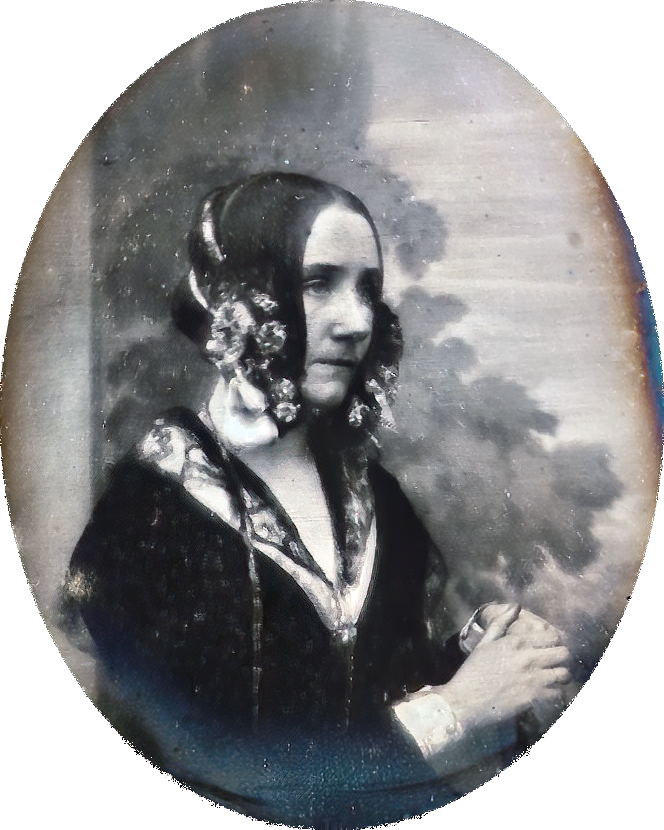
In the image syntax, the text within [brackets] serves as alternative text, aka "alt text," for the purpose of describing what's in the image.
The growing popularity of Markdown since it was first introduced in 2004 has led to the development of multiple Markdown processors, with the result that Markdown now exists in a variety of “flavors” that build upon and extend the original syntax.
A simple web search will turn up multiple guides to basic Markdown syntax and Markdown’s various flavors. An example is this guide on the website of Marked.app, a macOS application for previewing Markdown documents and exporting them to a range of other document formats — not just HTML but, for example, PDF and Word.
The ability to convert Markdown documents into a range of other formats is one of its chief attractions. Next, let’s look at some of the conversion tools available.